


131 / 1500
 Your starting point
01Prompt it
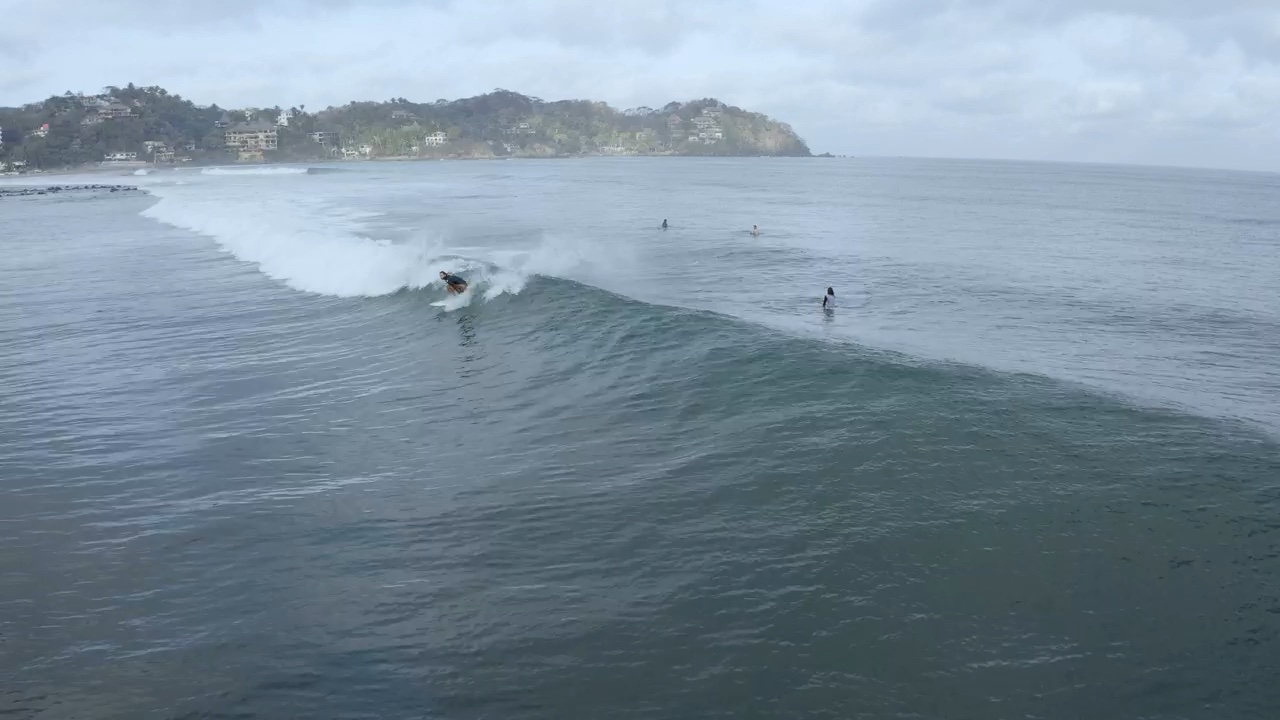
Describe the scene, the mood and the details you have in mind. Start from a few words or bring a fully formed idea.
Wrap turns any prompt into a finished, ready-to-post video. Try 2 free before you pay a cent.
No credit card. No subscription.
Describe it. Try a few directions. Keep the one you love.
Your starting pointDescribe the scene, the mood and the details you have in mind. Start from a few words or bring a fully formed idea.
Pick a direction. Make it yours.
Explore drafts for free before committing to a final render. Compare directions, adjust your prompt and find the take you love.
Turn your chosen draft into a finished video in minutes. Check the cost before rendering, then download it and share your story.
A product in the spotlight. A scene worth stopping for. Find a direction that feels like yours.
From your next post to your next campaign. Find your starting point.
Under the simplicity is real control. Start from a prompt or your own image, let Wrap pick the best model for the shot, and render in the format your platform wants, all without touching a timeline.
Start with a scene, a mood or a fully formed idea. A few words become a video, without setting up a shoot or learning an editor.
Give your product, character or visual a starting role. Upload an image, describe the movement and take it from still to story.
Let Wrap choose the model for your idea, or take the controls yourself. Explore different approaches in one workspace.
Choose the format and resolution your video needs. Go from a vertical social clip to a wider cinematic frame, with settings to match.
Give the scene a sound of its own. Bring music and effects into your video with supported models, without assembling separate tracks.
Give your story a voice. Add narration to explain a product, introduce an idea or guide your audience through the scene.
Try variations in a batch and compare your directions. Find the angle, mood or version that works best for your next campaign.
See the price before each generation. Choose your model and settings knowing what the video will cost, before you commit.
Premium models and same results as the big tools get, minus the bloated price. See what every video costs before you make it. No opaque credits, no surprises.
A little more room for your next idea.
Billed monthly
Monthly allowance resets each billing cycle.
More possibilities for your everyday work.
Billed monthly
Monthly allowance resets each billing cycle.
Built for a bigger creative output.
Billed monthly
Monthly allowance resets each billing cycle.
Video counts are estimates for 15-second base-model renders. Usage and available resolution vary by model and settings. Your exact cost is shown before generation.
Start with a text prompt describing the scene you want. Explore a model and its available settings, then check the price before generating. You can use an example as a starting point for your own idea.